Windows · Codex Dream Skin
Install Codex Dream Skin on Windows
The Windows engine themes the official Codex desktop app via a local CDP port (default 9335) without touching the WindowsApps directory or the app signature.

Before you start
- The official OpenAI.Codex app installed from Microsoft Store and registered for the current Windows user
- Windows PowerShell 5.1 or newer (run as your normal user; administrator access is not required)
- Node.js 22 or newer
Installation steps
Download the engine
Clone with git as shown, or download the ZIP and cd into Codex-Dream-Skin-main\windows instead:
git clone https://github.com/Fei-Away/Codex-Dream-Skin.git
cd Codex-Dream-Skin\windowsRun the install script
Fully quit Codex, then run this from PowerShell in the windows/ directory. The installer creates a verified managed runtime, so the source checkout can be moved or deleted afterward.
powershell.exe -NoProfile -ExecutionPolicy Bypass -File .\scripts\install-dream-skin.ps1Start and switch themes
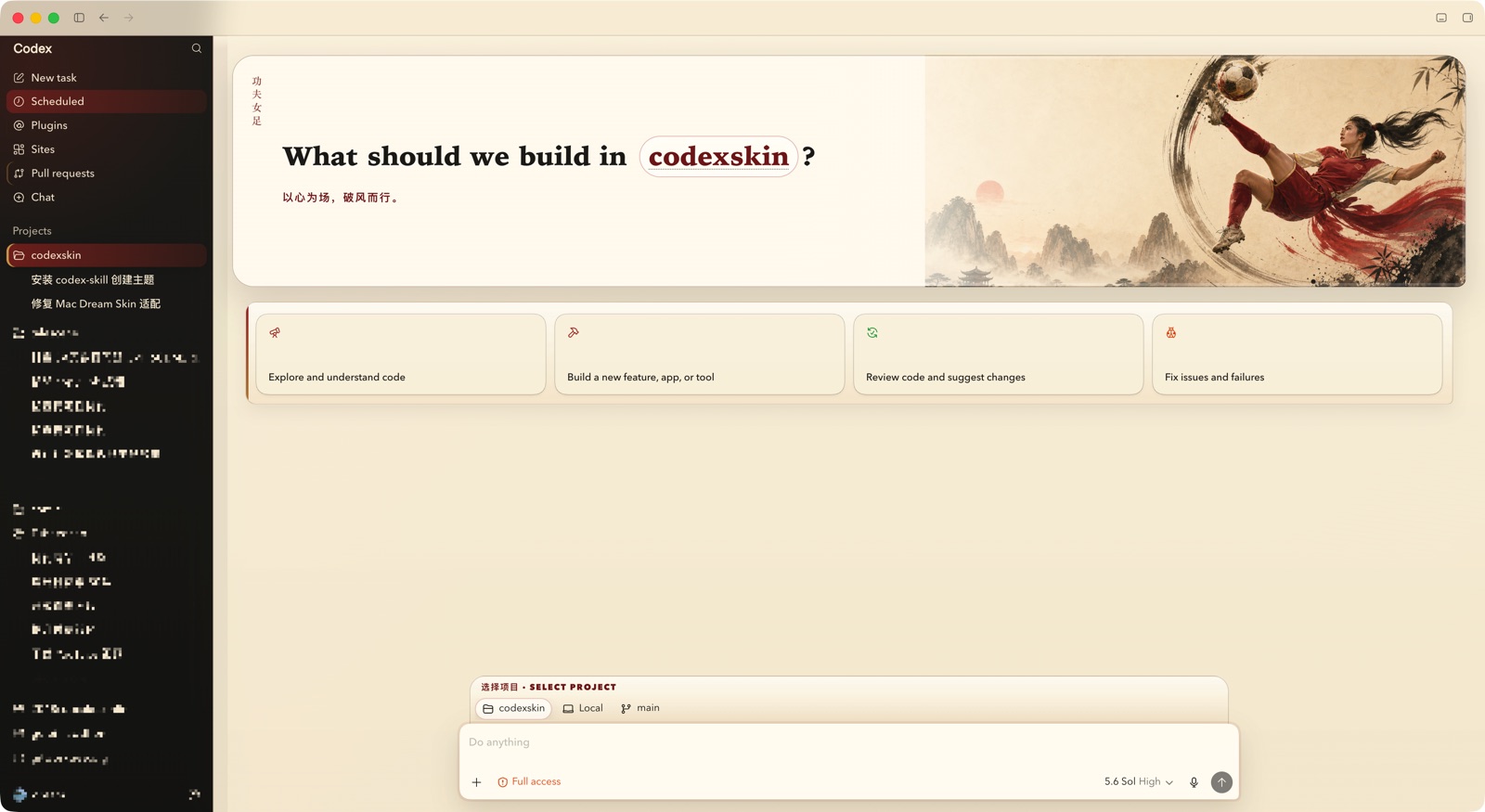
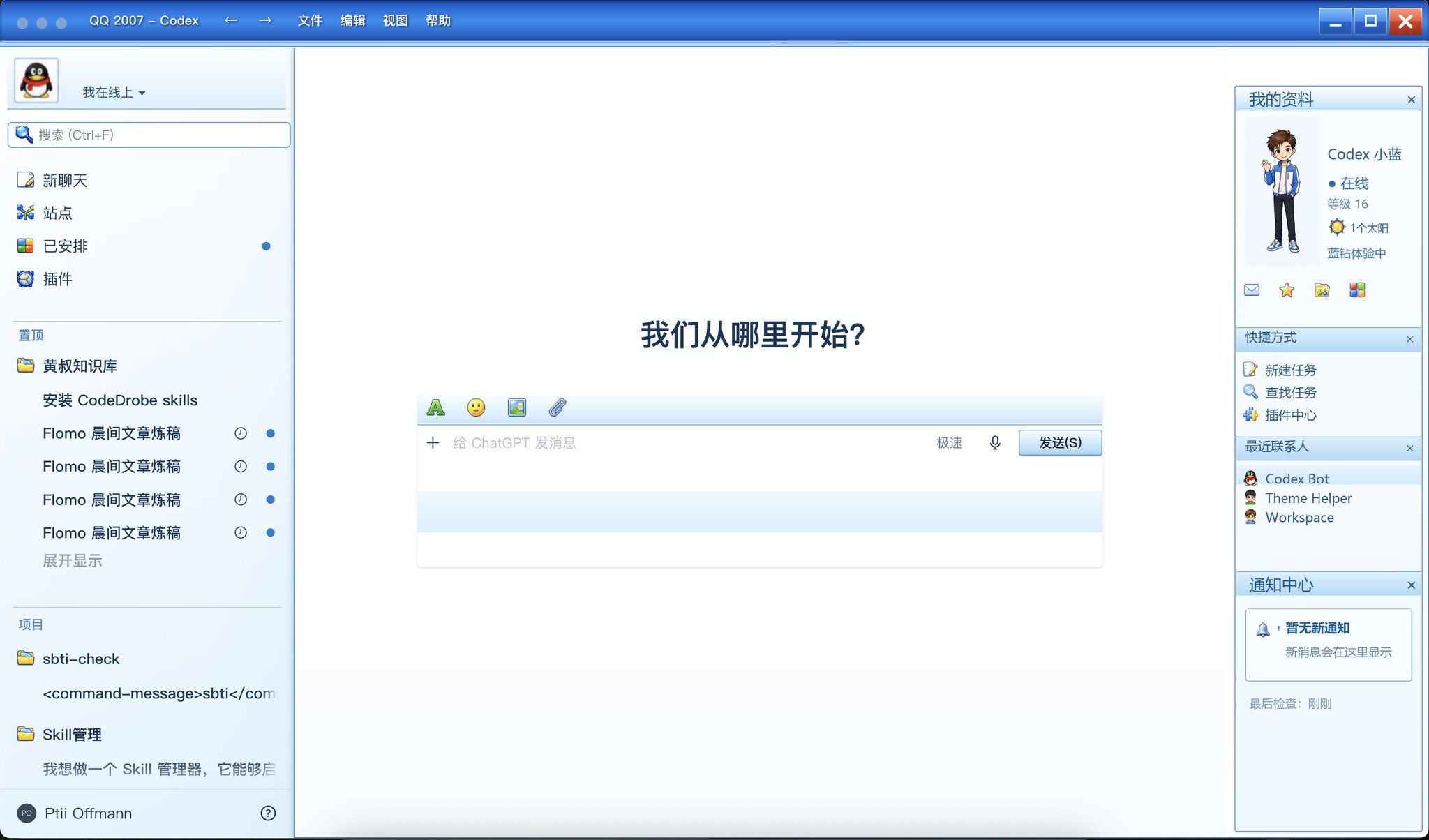
Use the “Codex Dream Skin” shortcut created by the installer, or launch from PowerShell. If Codex is already open, the launcher asks before restarting it. Arina Hashimoto starts active; Arina and Gothic Void Crusade are both available under Saved Themes. The separate Tray shortcut handles apply, pause, import, save, switch, and restore; pause and resume now update the live window immediately with an in-app progress state.
powershell.exe -NoProfile -ExecutionPolicy Bypass -File .\scripts\start-dream-skin.ps1 -PromptRestartVerify (optional)
Check the loopback CDP identity, native UI landmarks, active skin version, and save a screenshot proof:
powershell.exe -NoProfile -ExecutionPolicy Bypass -File .\scripts\verify-dream-skin.ps1 -ScreenshotPath "$env:TEMP\codex-dream-skin.png"Restore anytime
Restore the stock appearance and restart Codex after confirmation. Add -Uninstall only when you also want to remove the Dream Skin shortcuts.
powershell.exe -NoProfile -ExecutionPolicy Bypass -File .\scripts\restore-dream-skin.ps1 -RestoreBaseTheme -PromptRestartVideo walkthrough
A 3-minute community demo of the whole skinning flow (in Chinese), shared by Justin (@interjc) on X — thanks!
录了一个 Codex 换肤的简单教学视频
— Justin (@interjc) Watch on X ↗
Good to know
- The managed engine lives in %LOCALAPPDATA%\CodexDreamSkin\engine; state, themes, imported images, and logs stay under %LOCALAPPDATA%\CodexDreamSkin.
- Bypass applies only to the explicit source commands above. Installed daily shortcuts use RemoteSigned and never change the persistent system or enterprise policy.
- To update, exit the tray, close Codex, pull or download the latest source, then rerun the installer. Saved and imported themes are preserved. Current upstream main also fixes a missing first tray item, native-color flashes when the sidebar collapses, and delayed pause/resume.
- Default CDP port is 9335; a free port is picked automatically on conflict.
- After a Microsoft Store update, run the installer again and start Codex through the Dream Skin shortcut so it can rediscover the registered package.
Full docs & source: Fei-Away/Codex-Dream-Skin ↗ · Direct ZIP download
Themes you can install right now